I've been bullet journaling for over seven years now. Can't tell you how many times someone's asked me: “How do I track my mood without making it feel like homework?” Fair question, honestly.
Mental health awareness has exploded recently. And with it? The need for tools that actually help us understand our emotional patterns. Without adding stress to our lives.
Here's what I've learned: the best mood trackers aren't just functional—they're beautiful, intuitive, and designed with real human emotions in mind. if you're a minimalist who prefers simple dot grids or someone who loves elaborate monthly spreads, there's a mood tracking design that'll work for you.
Let me share everything I've discovered about creating mood trackers that people actually want to use.
Understanding Mood Tracking Fundamentals
Psychology Behind Mood Tracking
When I first started tracking my moods seven years ago, I didn't realize I was participating in something therapists have recommended for decades. Mood tracking helps create awareness of patterns we'd otherwise miss.
You know those days when everything feels awful, but you can't pinpoint why? A good mood tracker helps connect those dots.
The science is pretty straightforward: when we track our emotions regularly, we start noticing triggers and patterns. Maybe your mood dips every Tuesday (hello, meeting-heavy day). Or perhaps you feel more anxious during certain seasons. Without tracking, these patterns stay invisible.
Types of Mood Data to Capture
Not all mood tracking needs to be complicated. I've seen people burn out trying to track 15 different variables.
Start simple.
Basic mood scales work best:
- Simple 1-5 rating (where 1 = awful, 5 = amazing)
- Emoji-based systems (😢 😐 😊 😄 🤩)
- Color coding (red for low, yellow for neutral, green for good)
Additional data that's actually useful:
- Sleep quality (this one's a really helpful)
- Energy levels
- One or two major activities
- Weather (seriously, this matters more than you think)
I learned the hard way that tracking everything leads to tracking nothing. Pick 2-3 elements max when you're starting out.
User Demographics and Needs
Your mood tracking design should match your lifestyle. Are you a busy parent who needs something you can fill out in 30 seconds? A student dealing with academic stress?
Someone working with a therapist who needs detailed data?
I've noticed three main user types in the bullet journal community:
- Quick trackers: Need something fast and visual
- Detail lovers: Want space for notes and context
- Minimalists: Prefer clean, simple layouts
Privacy matters too. Some people want to share their data with healthcare providers, while others need their tracking to be completely private. Design with this in mind.
Core Design Principles for Mood Trackers
Simplicity and Ease of Use
The best mood tracker is the one you'll actually use. I can't stress this enough. I've created elaborate monthly spreads that looked gorgeous but were so complicated I gave up after a week.
Keep cognitive load low. When someone's having a rough day, the last thing they need is a confusing interface or complicated symbols to decipher. Make it brain-dead simple to log an entry.
Quick entry is everything. If it takes more than 60 seconds to log your mood, you've made it too complex. Period.
Visual Hierarchy and Information Architecture
Your eye should know exactly where to go first. I organize my mood trackers with the date most prominent, mood indicator second, and any additional notes in smaller text or symbols.
Create clear visual flow:
Emotional Design Considerations
Colors matter more than you might think. I've experimented with different color schemes over the years, and here's what I've learned:
Avoid stigmatizing colors. Don't make “bad” moods angry red or “good” moods happy yellow. This creates judgment around natural emotional experiences. Not helpful.
Consider cultural associations. In some cultures, white represents mourning while in others it symbolizes purity. If you're designing for a diverse audience, research color meanings.
Typography should feel calm. Harsh, angular fonts can add stress. I prefer rounded, gentle typefaces for mood tracking layouts. (Trust me on this.)
Digital vs. Analog: Mood Tracking Design Approaches
Mobile App Interface Designs
I'll be honest—I'm an analog girl at heart. But I've tested dozens of mood tracking apps over the years. The best ones nail these elements:
Touch-optimized input: Big, easy-to-tap buttons. No tiny checkboxes or fiddly sliders.
Progressive disclosure: Show basic tracking first, with options to add more detail if desired.
Gentle notifications: Reminders should feel supportive, not nagging. “How are you feeling today?” hits different than “LOG YOUR MOOD NOW.”
Paper-Based Tracker Layouts
This is where I get excited. Paper-based tracking offers something digital can't: the therapeutic act of physically marking your experience.
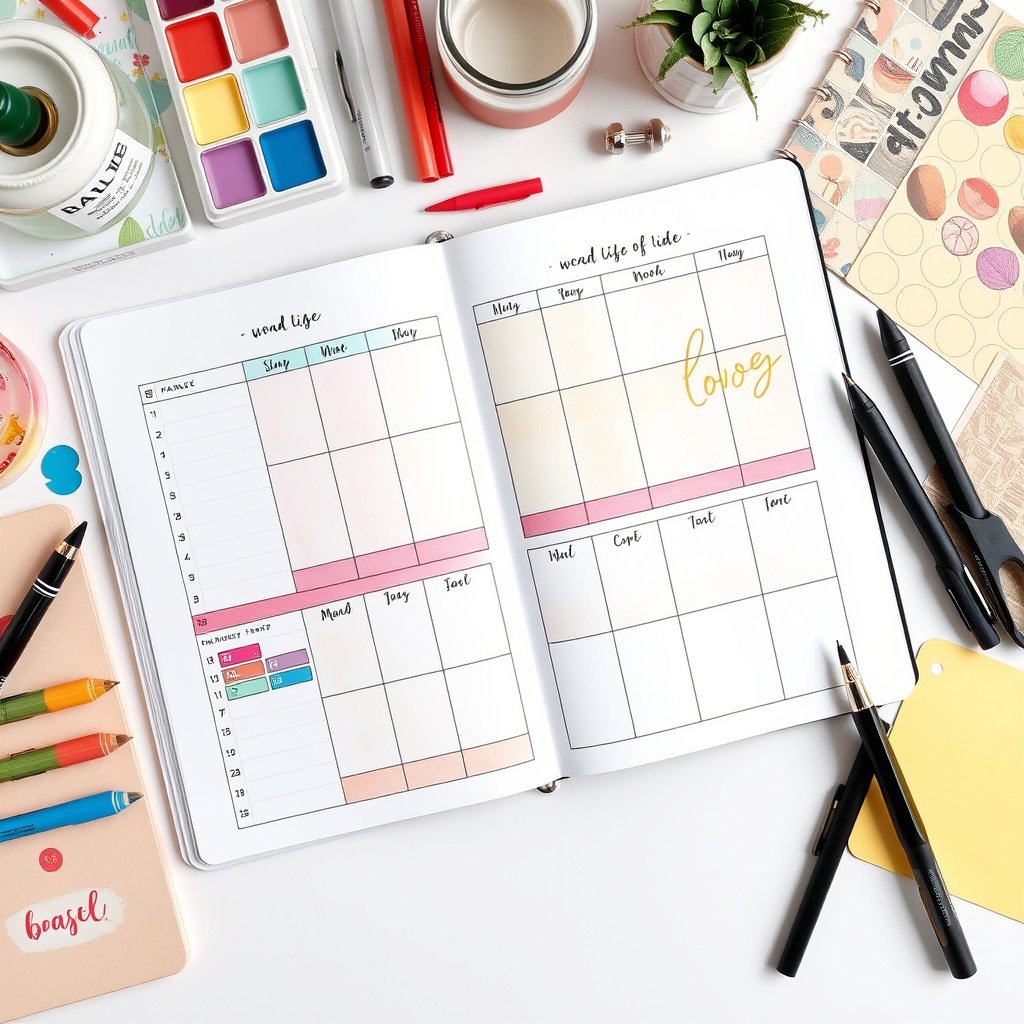
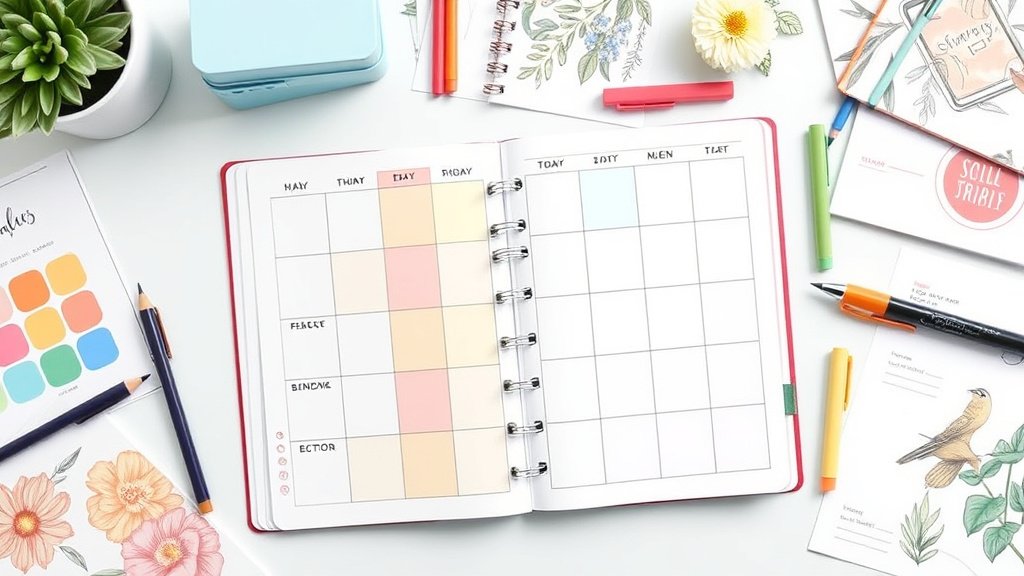
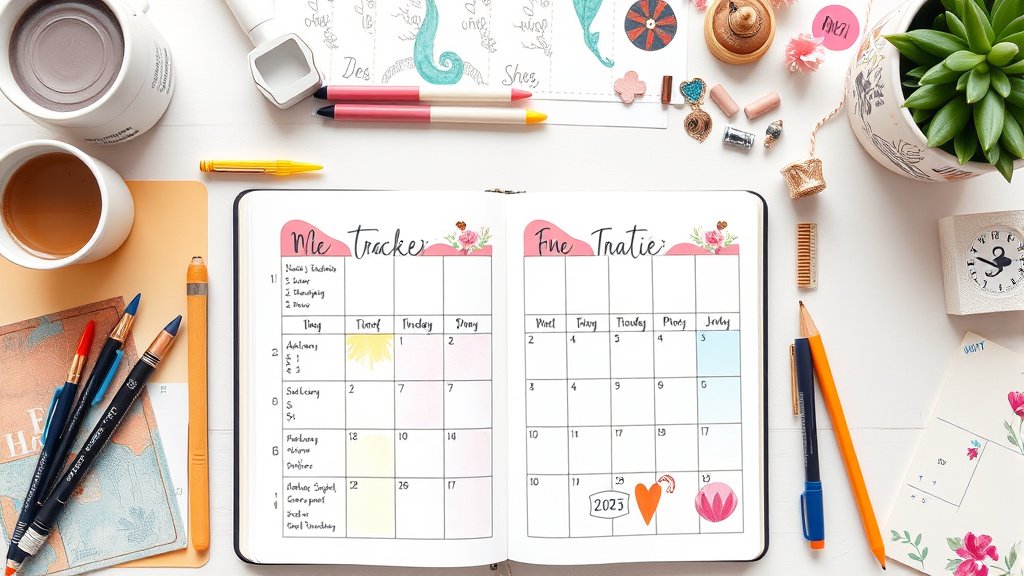
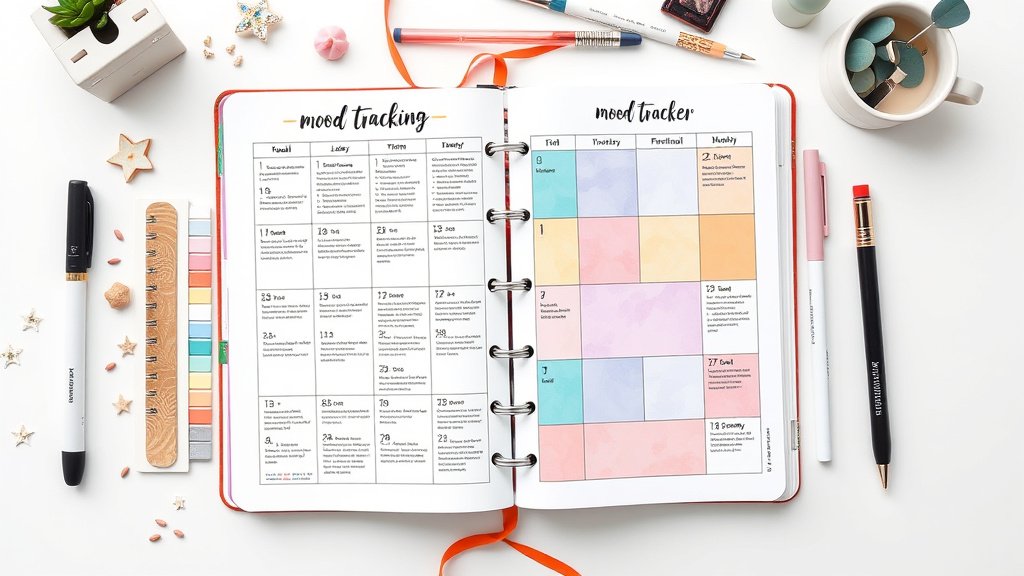
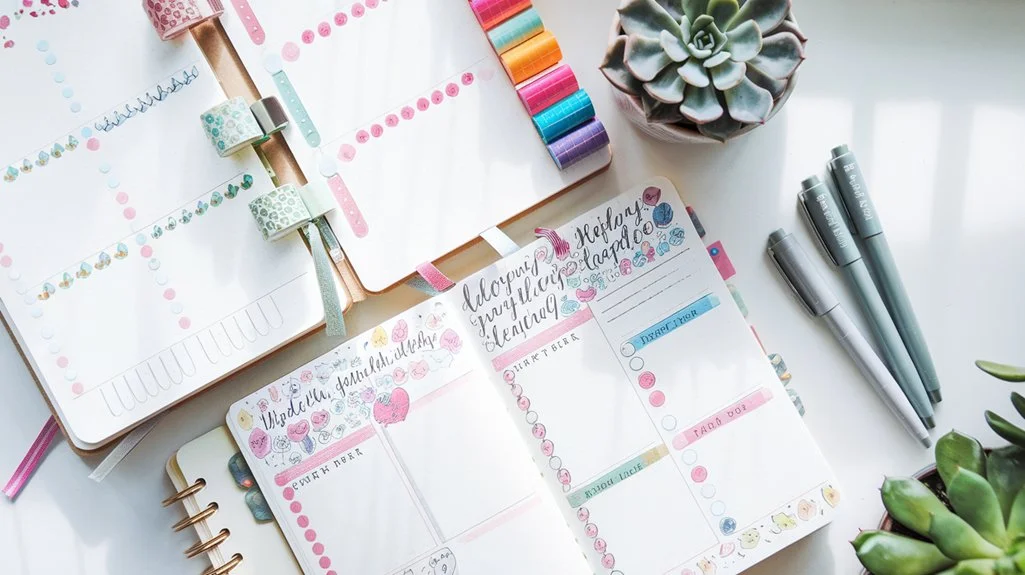
Monthly overview layouts work beautifully. Create a grid with dates and small spaces for mood indicators. I love using watercolor dots or simple emoji faces.
Weekly detailed spreads give you room for context. Include space for sleep, activities, and notes about what influenced your mood.
Yearly mood calendar provides incredible perspective. Use a simple color coding system and watch your patterns emerge over months.
Bullet Journal Integration Methods
Here's where my seven years of experience really shine. I've tried every mood tracking method in the bullet journal world:
Mood tracker as monthly habit: Include a small mood row in your habit tracker. Simple, space-efficient, effective.
Dedicated mood pages: Create beautiful monthly or weekly spreads focused entirely on emotional tracking.
Integration with daily logs: Add a small mood indicator to your daily bullet journal entries.
Creative layouts: Mandala mood trackers, flower petals that you color based on mood, pixel art that creates images over time. (And I've tried many.)
My personal favorite? A simple monthly grid with watercolor dots. Quick to fill out, beautiful to look back on, and it gives me the data I need without overwhelming complexity.
User Experience Best Practices
Onboarding and User Education
Whether you're designing an app or creating bullet journal templates, people need to understand why they're tracking. And how to do it effectively.
Start with the “why.” Explain the benefits: pattern recognition, increased self-awareness, better communication with healthcare providers.
Provide examples. Show what a week or month of tracking might look like.
Set realistic expectations. This isn't about judging emotions as good or bad—it's about awareness.
Motivation and Engagement Strategies
Make it visually rewarding. There's something satisfying about completing a mood tracker layout. Use this to your advantage.
Celebrate consistency, not perfection. Missing days is normal and human.
Provide gentle insights. “You seem to have more energy on days when you sleep 8+ hours” is more helpful than raw data dumps.
Data Privacy and Security Design
This is crucial and often overlooked. Mood data is incredibly personal.
Clear ownership: Users should always own their data and be able to export it.
Transparent controls: Make privacy settings obvious and easy to adjust.
Recommended for You
🛒 Dotted Journal Notebook
As an Amazon Associate we earn from qualifying purchases.
Crisis resources: Always include links to mental health resources and crisis intervention. Always.
Data Visualization and Analytics Design
Chart Types and Visual Representations
I love seeing patterns emerge over time. Here are the most effective visualization approaches I've encountered:
Line charts show mood trends over weeks or months clearly.
Heat maps reveal patterns by day of week or time of month.
Calendar views provide context. Make it easy to spot external influences.
Correlation charts help connect mood with sleep, exercise, or other tracked variables.
Making Data Meaningful
Raw numbers don't tell the whole story. The best mood tracking designs help users understand their patterns:
“Your mood tends to be lower on Sundays” is more actionable than showing a dip in Sunday data points.
“You had higher energy ratings during weeks when you tracked 7+ hours of sleep” creates clear connections between behaviors and wellbeing.
Accessibility and Inclusive Design
Visual Accessibility Features
Color isn't the only indicator. Always pair color coding with shapes, patterns, or text labels.
High contrast options are essential for users with visual impairments.
Scalable text and elements accommodate different vision needs.
Cognitive and Motor Accessibility
Large touch targets help users with motor difficulties.
Simple language ensures accessibility across education levels and cognitive abilities.
Consistent navigation reduces cognitive load for everyone. Worth it.
Cross-Cultural Design Considerations
Emotional expression varies across cultures. What looks like a neutral face to one person might seem sad to another. Consider offering multiple visual styles or culturally-specific emoji sets.
Technical tryation Considerations
Platform Selection
Native apps offer the best performance but require more development resources.
Web-based tools provide broader accessibility but might feel less integrated.
Hybrid approaches can balance development efficiency with user experience.
Data Storage and Security
Mood data is health information. Treat it accordingly:
Encryption should be standard, not optional.
Local storage options for users who prefer not to use cloud services.
Regular backups prevent devastating data loss.
HIPAA compliance if you're targeting healthcare use cases.
Looking Forward: The Future of Mood Tracking Design
We're seeing some fascinating trends emerge. Voice-activated mood logging for hands-free tracking. AI that spots concerning patterns and suggests interventions. Integration with wearables that can detect physiological stress markers.
But here's what won't change: the need for simplicity, privacy, and designs that respect the human experience of having emotions.
My Personal Recommendations
After seven years of experimenting with every mood tracking approach imaginable, here's what actually works:
For beginners: Start with a simple monthly dot grid in your bullet journal. One color per mood level. Fill it out before bed each night.
For detail lovers: Try a weekly spread with sections for mood, sleep, energy, and notes. Leave space for context but don't feel pressured to fill everything out.
For digital users: Look for apps that prioritize simplicity and privacy. Daylio and Sanvello are solid choices.
For healthcare integration: Use tools that can export data in formats your therapist or doctor can actually use.
The most important thing? Pick something you'll stick with. A simple system used consistently beats a complex one abandoned after two weeks.
Mood tracking has genuinely changed how I understand myself and my mental health patterns. When designed thoughtfully, these tools become windows into our inner lives. And that's pretty powerful stuff.
What matters most is creating something that fits your life, respects your privacy, and actually helps you understand yourself better. Everything else is just decoration.
Related Posts





Related Posts
Related Posts
Related Posts

✨ Our Recommendation
Editor's Pick: Elevate your 2025 mood trackers with this vibrant calligraphy pen kit—precision meets artistry for stunning spreads. 🖋️✨ .
Your Weekly Dose of Inspiration
Journaling ideas, family tips, and gentle inspiration.