- What Is a Bullet Point? Definition and Symbol Origins
- Keyboard Shortcuts for the Bullet Point Symbol ( • )
- How to Use Bullet Points Effectively in Writing
- Bullet Points vs. Numbered Lists: When to Use Each
- Creative Bullet Point Ideas for Bullet Journaling
- Common Bullet Point Mistakes and How to Fix Them
- Frequently Asked Questions
- What is the keyboard shortcut for a bullet point on a Windows laptop without a numeric keypad?
- Can bullet points be used in formal writing like academic papers or business reports?
- Related Posts
- Related Posts
- Related Posts
- Related Posts
- Related Posts
- Related Posts
- Related Posts
Disclosure: This post contains affiliate links. If you click through and make a purchase, we may earn a small commission at no extra cost to you. Thank you for supporting this site!
You see them everywhere—in meeting notes, to-do lists, grocery lists, blog posts, and especially in your bullet journal. The humble bullet point (•) is one of the most versatile and widely used symbols in writing and organization. But have you ever stopped to think about where it came from, how to type it quickly, or how to use it in a way that actually improves your productivity? Whether you're a seasoned bullet journalist, a professional writer, or someone just trying to keep your grocery list straight, understanding the bullet point symbol can transform the way you organize information. In this guide, we’ll explore the meaning and history of the bullet point, share keyboard shortcuts for typing it on any device, and offer practical tips for using it effectively in your bullet journal and everyday writing. We’ll also compare bullet points with numbered lists, highlight common mistakes, and share creative ideas to make your lists more engaging. By the end, you’ll have everything you need to use this small but mighty symbol with confidence and style. Let’s dive in.
What Is a Bullet Point? Definition and Symbol Origins
A bullet point is a typographical symbol used to introduce items in a list. Its primary purpose is to break down complex information into digestible, scannable chunks. The word “bullet” comes from the French boulette, meaning “small ball,” which perfectly describes the round, solid dot that most of us recognize as the standard bullet point symbol (•). However, bullet points can take many forms, including dashes, arrows, diamonds, checkmarks, and even custom icons in digital tools.
The bullet point as we know it today gained widespread popularity with the rise of desktop publishing in the 1980s. Before that, list items were often marked with asterisks, dashes, or letters. The term “bullet point” was popularized by software like Microsoft Word and early page layout programs, which offered a dedicated bullet point formatting option. Interestingly, the Merriam-Webster dictionary officially recognizes “bullet point” as a noun meaning “a point that is one of several itemized points in a list.” The symbol itself has a much older history—scribes in medieval manuscripts used decorative dots and marks to separate ideas long before the printing press. Today, the bullet point is a universal tool for clarity, used in everything from business reports to personal bullet journals.
Keyboard Shortcuts for the Bullet Point Symbol ( • )
Knowing how to type the bullet point symbol quickly can save you a lot of time, especially if you're a bullet journalist or someone who frequently works with lists. The good news is that there are shortcuts for nearly every device and operating system. Here are the most common ones:
- Windows: Hold the Alt key and type 0149 on the numeric keypad, then release Alt. This produces the standard bullet point (•).
- Mac: Press Option + 8 to insert a bullet point directly.
- Google Docs: Go to Insert > Special characters, search for “bullet,” and select the symbol. Or use the shortcut Ctrl + Shift + 8 to toggle a bulleted list.
- Microsoft Word: Type an asterisk (*) followed by a space, and Word will automatically convert it to a bullet point. You can also use the bullet list button in the toolbar.
- HTML: Use the
•entity code to display a bullet point on a web page. - Mobile devices: On iOS and Android, hold the hyphen or dash key on the keyboard to reveal the bullet point option.
Using these shortcuts will make your list-making faster and more consistent. If you’re working in a bullet journal app like Notion.so/” target=”_blank” rel=”nofollow sponsored noopener”>Notion.so/” target=”_blank” rel=”nofollow sponsored noopener”>Notion.so/” target=”_blank” rel=”nofollow sponsored noopener”>Notion.so/” target=”_blank” rel=”nofollow sponsored noopener”>Notion.so/” target=”_blank” rel=”nofollow sponsored noopener”>Notion.so/” rel=”nofollow sponsored noopener” target=”_blank”>Notion.so/” target=”_blank” rel=”nofollow sponsored noopener”>Notion.so/” target=”_blank” rel=”nofollow sponsored noopener”>Notion.so/” target=”_blank” rel=”nofollow sponsored noopener”>Notion.so/” target=”_blank” rel=”nofollow sponsored noopener”>Notion.so/” target=”_blank” rel=”nofollow sponsored noopener”>Notion.so/” target=”_blank” rel=”nofollow sponsored noopener”>Notion.so/” target=”_blank” rel=”nofollow sponsored noopener”>Notion.so/” target=”_blank” rel=”nofollow sponsored noopener”>Notion.so/” target=”_blank” rel=”nofollow sponsored noopener”>Notion.so/” target=”_blank” rel=”nofollow sponsored noopener”>Notion.so/” target=”_blank” rel=”nofollow sponsored noopener”>Notion.grsm.io/vrfitness” target=”_blank” rel=”nofollow sponsored noopener”>Notion.grsm.io/vrfitness” target=”_blank” rel=”nofollow sponsored noopener”>Notion, Evernote, or OneNote, you can usually create a bulleted list by typing a dash or asterisk followed by a space. The key is to find the method that works best for your workflow and practice it until it becomes second nature. For digital bullet journalists, mastering these shortcuts is a game-changer for rapid logging.
How to Use Bullet Points Effectively in Writing
Bullet points are powerful, but they can also be misused. When used correctly, they improve readability, highlight key information, and guide the reader’s eye. When overused or poorly structured, they can clutter your writing and dilute your message. Here are some best practices for using bullet points in any context, from blog posts to bullet journal collections:
- Keep items parallel in structure. Each bullet point should follow the same grammatical pattern. For example, if one item starts with a verb, all items should start with a verb. This creates rhythm and clarity.
- Limit the number of items. Aim for 3 to 7 bullet points per list. Too many items overwhelm the reader; too few may not justify a list format.
- Use consistent punctuation. Decide whether to use periods, commas, or no punctuation at the end of each bullet. The most common approach is to use a period only if the item is a full sentence.
- Introduce the list with a lead-in sentence. Don’t drop a list without context. A brief sentence like “Here are three key benefits:” prepares the reader for what follows.
- Avoid nesting too deeply. One level of sub-bullets is usually enough. More than two levels becomes hard to follow.
In bullet journaling, these principles apply directly to your collections, habit trackers, and daily logs. For instance, if you're listing your monthly tasks, keep each item concise and action-oriented. Instead of writing “Remember to call the dentist about the appointment,” write “Call dentist for appointment.” This brevity is the essence of the bullet journal method—rapid logging that captures information without friction.
Bullet Points vs. Numbered Lists: When to Use Each
One of the most common questions writers and journalers face is whether to use bullet points or numbered lists. The answer depends on the nature of the information you're presenting. Bullet points are ideal for items that have no inherent order or priority. They work well for features, benefits, ideas, or any collection where each item is equally important. Numbered lists, on the other hand, imply sequence, hierarchy, or steps. Use them when order matters—like a recipe, a step-by-step tutorial, or a ranking.
Here’s a quick comparison to help you decide:
- Bullet points: Use for unordered items, lists of features, brainstorming, inventory, or any collection where sequence doesn’t matter.
- Numbered lists: Use for step-by-step instructions, timelines, priority rankings, or processes that must be followed in order.
- Checkboxes: In bullet journals, checkboxes are a hybrid—they look like bullet points but function as task trackers. Use them for to-do items that need completion.
In practice, many bullet journalists use a combination of all three. For example, your daily log might use bullet points for notes, dashes for events, and checkboxes for tasks. This system, popularized by Ryder Carroll’s Bullet Journal Method, relies on signifiers (different symbols) to convey meaning at a glance. The key is to be intentional about your choice. If you find yourself numbering items that don’t need to be ordered, switch to bullet points for cleaner readability. Conversely, if your bullet points imply a sequence, convert them to a numbered list to avoid confusion.
Creative Bullet Point Ideas for Bullet Journaling
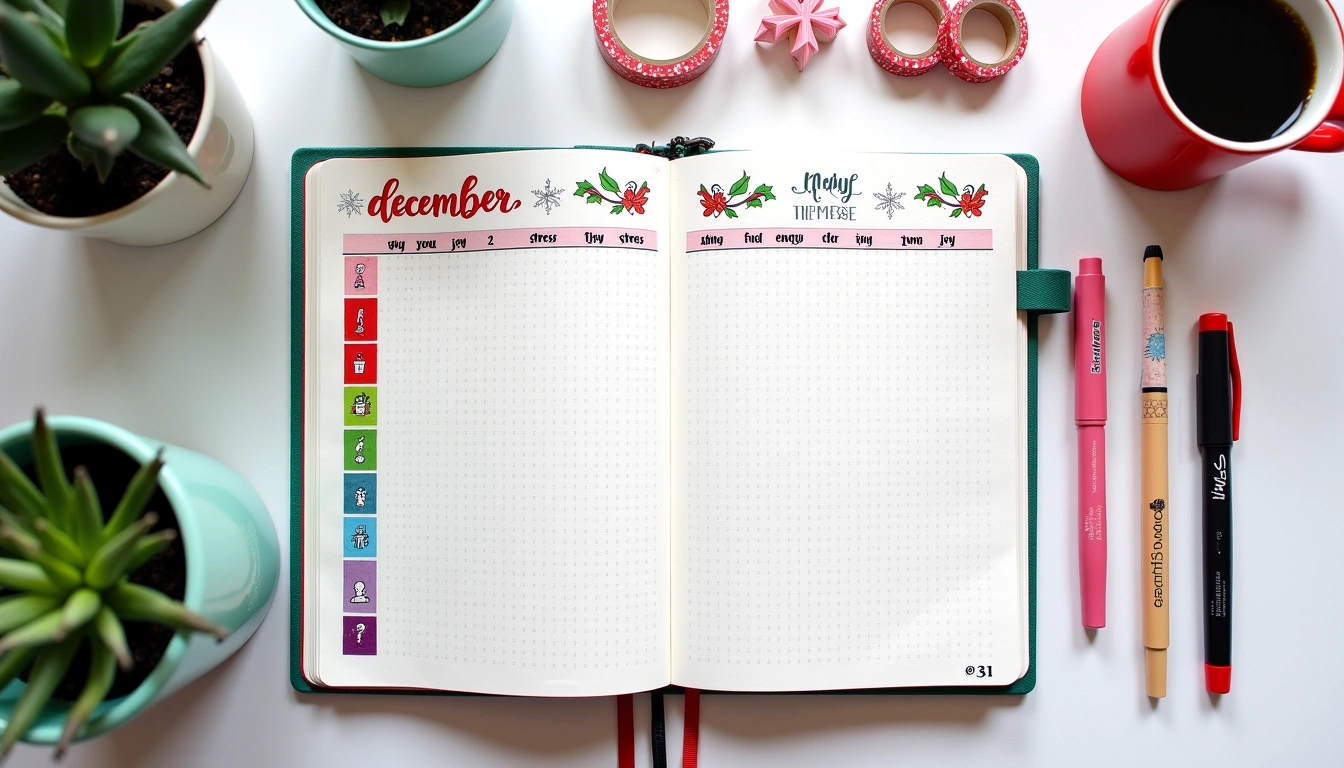
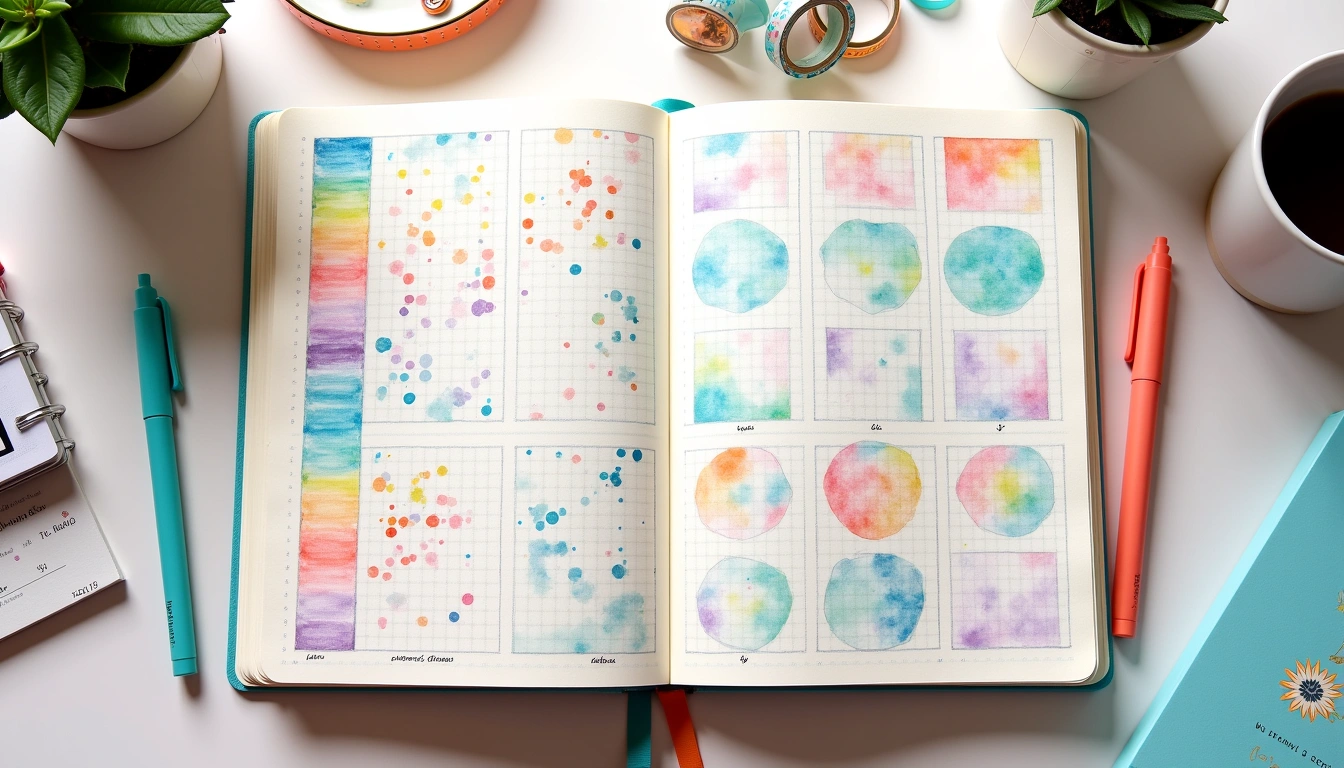
Bullet points don’t have to be boring black dots. In bullet journaling, the bullet point symbol is a canvas for creativity and personal expression. Changing the shape, color, or style of your bullet points can add visual interest and even convey additional meaning. Here are some creative ideas to try in your next spread:
- Use different symbols for different categories. For example, use a star (★) for priorities, a heart (♥) for personal highlights, and a dot (•) for standard tasks. This creates a visual language unique to your journal.
- Incorporate color coding. Assign a color to each area of your life—blue for work, green for health, pink for family. Use matching bullet points to categorize items at a glance.
- Try icon-style bullets. Instead of dots, use small icons like arrows, flowers, or geometric shapes. You can draw them by hand or use stickers and stamps.
- Use hollow bullets for incomplete tasks. In the traditional bullet journal method, an empty circle (○) represents a task that hasn’t been started, while a filled dot (•) marks a completed task. This simple distinction adds clarity.
- Create themed bullet points for special collections. For a travel journal, use airplane icons (✈) as bullets. For a reading log, use book icons (📖).
The beauty of bullet journaling is that there are no strict rules—only what works for you. Experiment with different bullet point styles and see what makes your spreads more functional and enjoyable. If you’re looking for inspiration, try searching for “bullet journal key ideas” on Pinterest or Instagram. Many journalers share their unique key systems, which can spark ideas for your own. Remember, the goal is not perfection but progress. A creative bullet point system should make your journal easier to use, not harder to maintain.
Common Bullet Point Mistakes and How to Fix Them
Even experienced writers and journalers make mistakes with bullet points. Recognizing these pitfalls can help you avoid them and keep your lists clean, clear, and effective. Here are the most common errors and how to fix them:
- Inconsistent formatting. Mixing different bullet styles (dots, dashes, arrows) in the same list can confuse readers. Fix: Choose one style per list and stick with it.
- Too much text per bullet. Bullet points are meant to be brief. If each bullet is a paragraph, you’re defeating the purpose. Fix: Keep each item to one or two lines. If you need more detail, use sub-bullets or write a separate paragraph.
- Lack of parallel structure. When bullets don’t follow the same grammatical pattern, the list feels disjointed. Fix: Start each bullet with the same part of speech—verb, noun, or adjective—and maintain consistent tense.
- Overusing bullet points. Not everything needs to be a list. Sometimes a paragraph is more appropriate for conveying nuance or storytelling. Fix: Use bullet points only when the information benefits from scannability. For narrative or explanatory content, write in full paragraphs.
- Forgetting to introduce the list. Dropping a list without context leaves readers guessing. Fix: Always include a lead-in sentence or phrase that sets up the list.
By avoiding these mistakes, you’ll ensure that your bullet points serve their intended purpose: making information easier to digest and act upon. In your bullet journal, this translates to faster logging, clearer tracking, and less mental clutter. Review your spreads periodically and ask yourself whether each list is as clear and concise as it could be. Small adjustments can make a big difference in your overall productivity.
Frequently Asked Questions
What is the keyboard shortcut for a bullet point on a Windows laptop without a numeric keypad?
On a Windows laptop without a dedicated numeric keypad, you can still type a bullet point using the Character Map tool. Press the Windows key, type “Character Map,” and open the app. Search for “bullet” and copy the symbol (•). Alternatively, you can use the Alt + 7 shortcut on the number row (not the keypad) if your laptop supports it. Another option is to use the • HTML entity in web-based tools or simply copy and paste the symbol from a website. For frequent use, consider creating a text replacement shortcut in your operating system settings—for example, set “bpt” to automatically expand to “•”.
Can bullet points be used in formal writing like academic papers or business reports?
Yes, bullet points are widely accepted in formal writing, but they must be used correctly. In academic papers, follow the style guide (APA, MLA, Chicago) for formatting lists. APA, for example, allows bulleted lists when the items are brief and parallel in structure. In business reports, bullet points are common in executive summaries, meeting notes, and recommendation sections. Always introduce the list with a complete sentence and use consistent punctuation. Avoid using bullet points in the body of a formal essay or thesis unless the style guide explicitly permits them. When in doubt, check with your institution or organization’s guidelines.
Related Posts

Habit Tracker Ideas Bullet Journal
100 Bullet Journal Prompts for Self-Reflection and Personal Growth
From Paper to Pixel: A 2026 Guide to Creating a Digital Bullet Journal Step by Step
Mastering the First Impression: Your intriguing post title goes here
Related Posts
Habit Tracker Ideas Bullet Journal
100 Bullet Journal Prompts for Self-Reflection and Personal Growth
From Paper to Pixel: A 2026 Guide to Creating a Digital Bullet Journal Step by Step
Mastering the First Impression: Your intriguing post title goes here
Related Posts
Habit Tracker Ideas Bullet Journal
100 Bullet Journal Prompts for Self-Reflection and Personal Growth
From Paper to Pixel: A 2026 Guide to Creating a Digital Bullet Journal Step by Step
Mastering the First Impression: Your intriguing post title goes here
Related Posts
Habit Tracker Ideas Bullet Journal
100 Bullet Journal Prompts for Self-Reflection and Personal Growth
From Paper to Pixel: A 2026 Guide to Creating a Digital Bullet Journal Step by Step
Mastering the First Impression: Your intriguing post title goes here
Related Posts
Habit Tracker Ideas Bullet Journal
100 Bullet Journal Prompts for Self-Reflection and Personal Growth
From Paper to Pixel: A 2026 Guide to Creating a Digital Bullet Journal Step by Step
Mastering the First Impression: Your intriguing post title goes here



Related Posts
Habit Tracker Ideas Bullet Journal
100 Bullet Journal Prompts for Self-Reflection and Personal Growth
From Paper to Pixel: A 2026 Guide to Creating a Digital Bullet Journal Step by Step
Mastering the First Impression: Your intriguing post title goes here
Related Posts
Habit Tracker Ideas Bullet Journal
100 Bullet Journal Prompts for Self-Reflection and Personal Growth
From Paper to Pixel: A 2026 Guide to Creating a Digital Bullet Journal Step by Step
Mastering the First Impression: Your intriguing post title goes here
Related Posts
Habit Tracker Ideas Bullet Journal
100 Bullet Journal Prompts for Self-Reflection and Personal Growth
From Paper to Pixel: A 2026 Guide to Creating a Digital Bullet Journal Step by Step
Mastering the First Impression: Your intriguing post title goes here
Related Posts
Habit Tracker Ideas Bullet Journal
100 Bullet Journal Prompts for Self-Reflection and Personal Growth
From Paper to Pixel: A 2026 Guide to Creating a Digital Bullet Journal Step by Step
Mastering the First Impression: Your intriguing post title goes here
Related Posts
Habit Tracker Ideas Bullet Journal
100 Bullet Journal Prompts for Self-Reflection and Personal Growth
From Paper to Pixel: A 2026 Guide to Creating a Digital Bullet Journal Step by Step
Mastering the First Impression: Your intriguing post title goes here
Related Posts
Habit Tracker Ideas Bullet Journal
100 Bullet Journal Prompts for Self-Reflection and Personal Growth
From Paper to Pixel: A 2026 Guide to Creating a Digital Bullet Journal Step by Step
Mastering the First Impression: Your intriguing post title goes here
🔍 Our Top Pick
Editor's Pick: Elevate your spreads with vibrant colors! Dual-tip marker set for precise lines & bold statements.
Your Weekly Dose of Inspiration
Journaling ideas, family tips, and gentle inspiration.
Love this content?
Join the BulletJournals.net community for exclusive tips, guides, and updates.
Subscribe Free