What Is a Bullet Journal Index?

The Official Bullet Journal Edition 2 – Notebook Built for B
$30.98
50 Bullet Journal Templates Pack
Ready-to-print spreads for habit tracking, weekly planning, mood logs, and creative layouts.
★ 4.7
The index is your bullet journal's table of contents. It is the first few pages of your notebook where you record what content lives on which pages, making it easy to find anything later.
Think of it as a roadmap to your journal. Without an index, you would have to flip through dozens of pages to find that meal planning spread you created three months ago. With an index, you simply look up “Meal Planning” and go directly to the right page.
Why Your Index Matters
Many beginners skip the index, thinking they will remember where everything is. But as your journal fills up, finding specific content becomes nearly impossible without one.
The index also encourages intentional journaling. When you know you will log a spread in your index, you think more carefully about what you create and where you place it.
How to Set Up Your Index


Step 1: Reserve the First Pages
Set aside 2-4 pages at the very beginning of your bullet journal for the index. Most journalers use 4 pages, which provides plenty of room for a full notebook.
Step 2: Number Your Pages
Before you can log anything in your index, you need page numbers. Some notebooks come pre-numbered. If yours does not, number pages as you use them—there is no need to number the entire book upfront.
Step 3: Create Your Format
The simplest index format has two columns:
- Topic/Title – What the spread or collection is about
- Page Number(s) – Where to find it
Step 4: Log as You Go
Every time you create a new spread, collection, or important page, add it to your index immediately. Do not wait—you will forget.
Index Formatting Options

Simple List Format
The most straightforward approach. Write entries line by line as you create them:
January Monthly Log............ 5-6
Habit Tracker.................. 7
Reading List................... 8
Book Notes: Atomic Habits...... 9-10
February Monthly Log........... 11-12
Alphabetical Index
Organize entries alphabetically for faster lookup. Divide your index pages into sections (A-D, E-H, etc.) and add entries under the appropriate letter.
Category-Based Index
Group entries by type: Monthlies, Trackers, Collections, Notes, etc. This works well if you have many similar spreads.
Color-Coded Index
Use different colors or highlighters for different types of content. For example: blue for monthly logs, green for trackers, yellow for collections.
Threading: An Advanced Technique
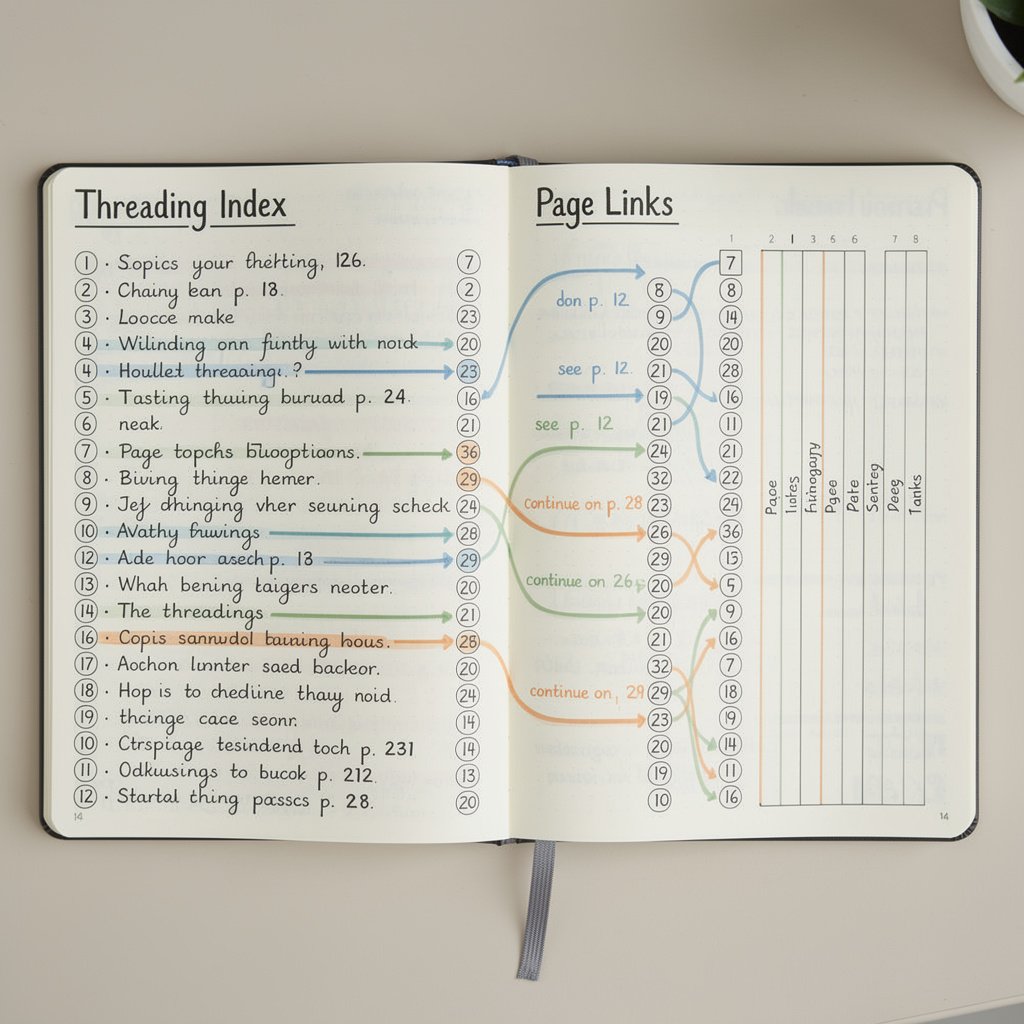

Threading connects related content that spans multiple, non-consecutive pages. Here is how it works:
- When you start a collection (like a Reading List on page 8), note it in your index
- When you need to continue that collection later (say, page 47), write “8/” at the top of the new page
- Go back to page 8 and write “/47” to show where the content continues
- Update your index: “Reading List … 8, 47”
Now you can easily follow the thread of related content throughout your journal.
Page Numbering Methods
Sequential Numbering
The standard approach—number pages 1, 2, 3, etc. Simple and effective.
Section Numbering
Use prefixes for different sections: M1, M2 for monthly pages; T1, T2 for trackers; C1, C2 for collections.
Spread Numbering
Number spreads (two facing pages) instead of individual pages. This works well for layouts that span both pages.
Index Tips and Best Practices
Be Specific
Instead of “Notes,” write “Book Notes: Atomic Habits” or “Meeting Notes: Q1 Planning.” Specific titles make your index more useful.
Include Page Ranges
For spreads that span multiple pages, include the full range: “Monthly Log … 5-6” rather than just “5.”
Update Immediately
Add entries to your index as soon as you create a new spread. Waiting leads to forgotten entries and a less useful index.
Leave Room to Grow
If using a category-based index, leave space under each category for future additions.
Use Consistent Naming
Decide on standard names for recurring spreads. Will you call it “Monthly Log” or “Monthly Overview”? Pick one and stick with it.
Common Index Mistakes
- Not reserving enough pages – Four pages is usually safe for a full notebook
- Forgetting to update – The index only works if you use it consistently
- Being too vague – Specific titles save time when searching
- Skipping page numbers – Number pages as you go to avoid confusion
Alternatives to the Traditional Index
Tabbed Sections
Use sticky tabs or washi tape flags to mark important sections. Combined with a simple index, this speeds up navigation.
Running Index
Instead of a fixed index at the front, keep a running log on the last page of your journal, adding to it as needed.
Digital Companion
Maintain a digital index in a notes app that you update alongside your physical journal. Useful for quick searches.
Getting Started
Ready to set up your index? Here is your action plan:
- Open your bullet journal to the first pages
- Reserve 4 pages and label them “Index”
- Choose your format (simple list is great for beginners)
- Start numbering pages as you use them
- Add your first entry and commit to updating as you go
The index might seem like a small thing, but it is what transforms a notebook into a true organization system. Take the time to set it up properly, and you will thank yourself later.
Index Setup Supplies
Disclosure: Affiliate links. We earn from qualifying purchases.
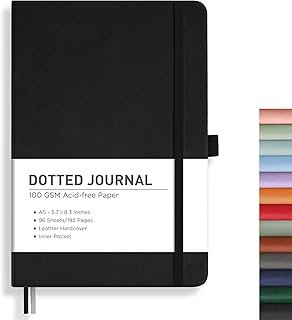
noopener sponsored nofollownoopener sponsored nofollownoopener sponsored nofollownoopener sponsored nofollownoopener sponsored nofollowLeuchtturm1917 A5 Dotted
noopener sponsored nofollownoopener sponsored nofollownoopener sponsored nofollownoopener sponsored nofollownoopener sponsored nofollowView
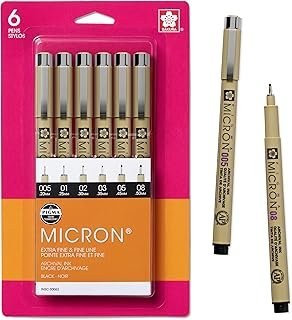
noopener sponsored nofollownoopener sponsored nofollownoopener sponsored nofollownoopener sponsored nofollownoopener sponsored nofollowSakura Pigma Micron Set
noopener sponsored nofollownoopener sponsored nofollownoopener sponsored nofollownoopener sponsored nofollownoopener sponsored nofollowView
noopener sponsored nofollownoopener sponsored nofollownoopener sponsored nofollownoopener sponsored nofollownoopener sponsored nofollowMr. Pen Metal Ruler Set
noopener sponsored nofollownoopener sponsored nofollownoopener sponsored nofollownoopener sponsored nofollownoopener sponsored nofollowView
Create an effective index.
Related Resources
- Best Supplies Buying Guide
- Beginner's Guide to Bullet Journaling
- Browse All Spreads
- Browse All Trackers
- Free Templates