- The Case for Paper Bullet Journaling
- Digital Bullet Journaling: GoodNotes vs Notion Compared
- Hybrid Approaches: Getting the Best of Both Worlds
- Comparing Performance: Speed, Searchability, and Sustainability
- Migration Guide: How to Switch Systems Without Losing Momentum
- Template Recommendations for 2026
- Making Your Final Decision: Key Questions to Ask Yourself
- Related from our network
- Related Posts
Disclosure: This post contains affiliate links. If you click through and make a purchase, we may earn a small commission at no extra cost to you. Thank you for supporting this site!
The great bullet journal debate has evolved in 2026, and it's no longer about choosing one method over another—it's about understanding what serves your life best right now. Whether you're drawn to the satisfying scratch of pen on paper or the seamless syncing of a digital app, the choice between digital and paper bullet journaling involves real trade-offs that affect your planning consistency, creativity, and daily enjoyment. This guide will walk you through the practical differences between paper, GoodNotes, Notion, and hybrid approaches, so you can make an informed decision that aligns with your lifestyle. We'll explore what each method does exceptionally well, where they fall short, and most importantly, how to migrate between systems without losing your momentum or burning out.
The Case for Paper Bullet Journaling
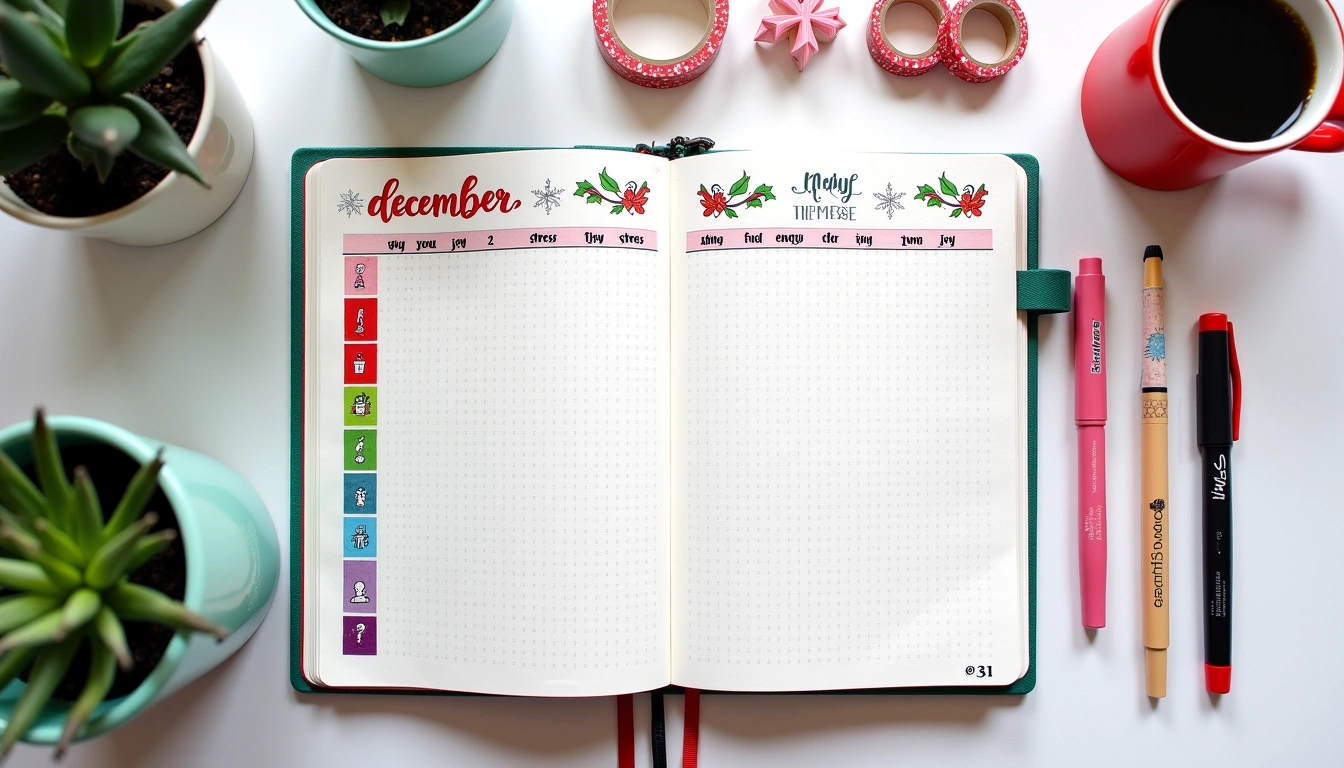
Paper bullet journals remain the gold standard for many planners in 2026, and the reasons go beyond nostalgia. The tactile experience of writing by hand activates different neural pathways than typing—research consistently shows that handwriting improves memory retention and idea recall. When you're designing a spread by hand, you're engaging in a form of creative problem-solving that can feel meditative and deeply personal. The friction of the analog process—the time it takes to write, the limitation of one page at a time—actually becomes a feature, not a bug, forcing intentional decisions about what truly matters enough to document.
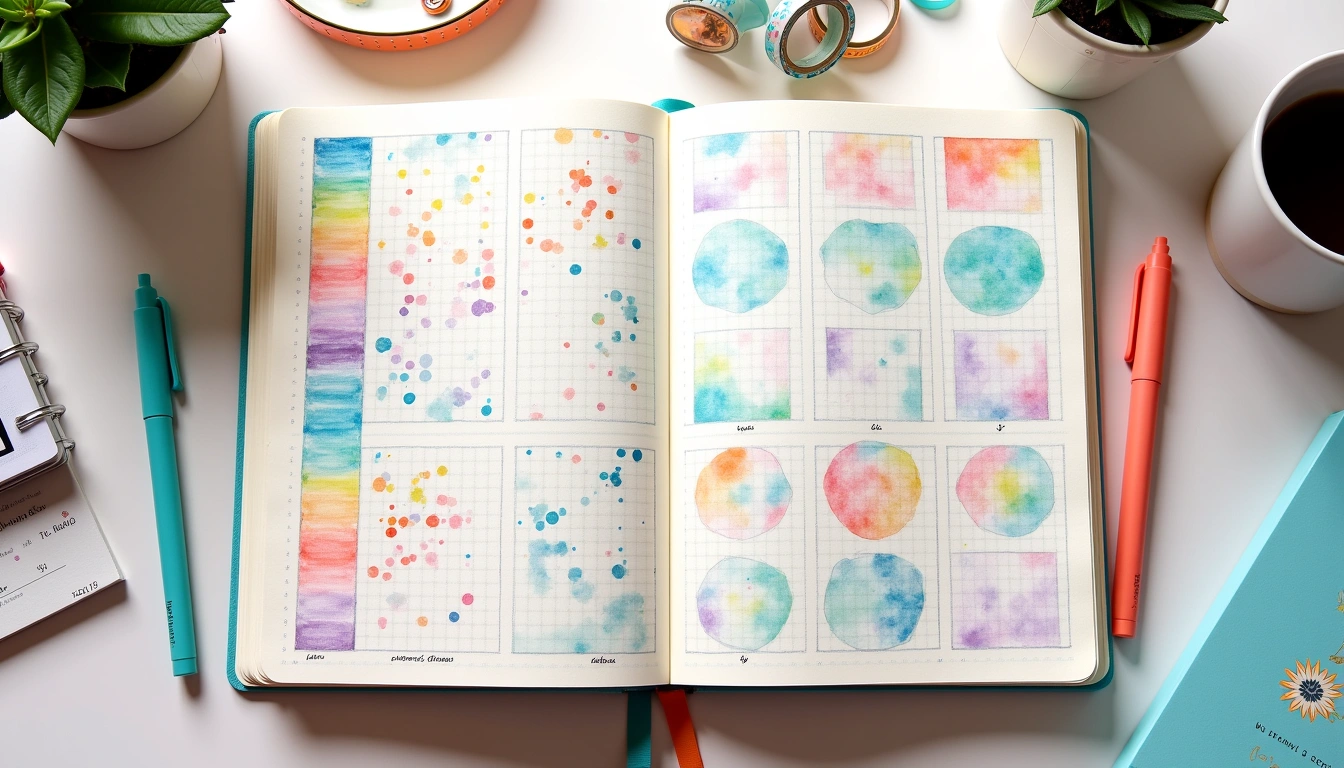
Paper journals offer unmatched flexibility in customization. You can combine different paper weights, use washi tape without lag, create mixed-media spreads with collage elements, and experiment with brush pens, markers, and watercolor without worrying about app compatibility or screen glare. There's no charging required, no subscription fees, and no data privacy concerns. For people with ADHD or sensory-processing preferences, the tactile feedback of paper can be grounding in ways that a screen simply cannot replicate. Many journalers report that their paper spreads serve as self-care rituals—a 15-minute wind-down before bed or a focused planning session on Sunday mornings that creates real psychological boundaries between work and rest.
The downsides are practical: paper journals aren't searchable, they're harder to back up, and they require physical space to store. If you travel frequently or prefer everything synced across devices, paper becomes cumbersome. Weather and wear can damage pages, and if you're managing multiple projects or habits across a large team, paper doesn't scale as efficiently as digital systems.
Digital Bullet Journaling: GoodNotes vs Notion Compared
GoodNotes and Notion represent two entirely different approaches to digital journaling, each with distinct strengths. GoodNotes (iPad/Apple ecosystem) simulates the handwriting experience with digital pens—it feels closest to paper while offering search functionality and cloud backup. You can import PDF templates, write freehand, organize pages in folders, and use features like infinite scroll and backup across devices. GoodNotes is perfect for people who love the tactile feedback of handwriting but want digital benefits. The learning curve is minimal, and the interface feels intuitive if you've used an iPad. However, GoodNotes isn't designed for data organization or task management—it's a note-taking tool, not a relational database.
Notion operates on an entirely different philosophy: it's a database-first system where everything is interconnected. You can create databases for habits, goals, projects, and tasks, then filter, sort, and link them across your entire workspace. Notion supports databases, templates, automation, collaborative features, and integration with external tools like Google Calendar or Slack. If you want your bullet journal to function as a true productivity system with complex relationships between goals, habits, and projects, Notion excels. A Notion setup might include: a Master Task database linked to a Projects page, which connects to a Goals dashboard; all pulling real-time data into your Daily Planner view.
The trade-off is stark: Notion requires intentional system design and a learning curve, while GoodNotes is immediately usable. Notion can feel overwhelming if you're not comfortable with databases, but it becomes invaluable for complex life management. GoodNotes feels like journaling; Notion feels like management. Many people use both: GoodNotes for creative spreads and daily reflections, Notion for task and habit databases.
Hybrid Approaches: Getting the Best of Both Worlds
The hybrid model has gained significant traction among experienced journalers in 2026, and it may be the most practical approach for most people. A hybrid system typically combines paper for daily reflection and creative expression with digital tools for task management, habit tracking, and cross-device access. For example, you might maintain a handwritten morning pages spread in a paper journal for intention-setting and gratitude, while tracking daily habits and recurring tasks in a Notion database that sends you notifications. Your weekly planning could be paper-based for visual layout and goal-setting, while your project management lives in Notion with linked deadlines.
The hybrid approach solves several real problems: you get the mindfulness and creativity of paper without sacrificing the searchability and automation of digital systems. A practical example: maintain a beautiful paper-based monthly calendar with color-coded priorities, then mirror your key tasks in a Notion dashboard that syncs with your phone. This way, you have a gorgeous planner to look at during planning sessions, plus reliable notifications for deadlines when you're on the go. Another common setup: use GoodNotes on your iPad as a digital paper notebook for capturing ideas, research, and project notes, then export key action items to Notion for task management. You can even photograph your paper spreads and archive them in Notion for searchability, creating a personal archive while maintaining the tactile journaling experience.
The key to successful hybrid systems is clear role definition. Decide upfront what each tool is responsible for, then stick to that division of labor. If you're constantly duplicating tasks between systems or checking multiple places for the same information, the hybrid approach becomes overwhelming. The goal is complementary use, not redundancy.
Comparing Performance: Speed, Searchability, and Sustainability
When choosing between systems, consider three measurable factors: speed of capture, findability, and long-term sustainability. Paper bullet journals are fastest for initial planning and creative capture—there's zero load time, no typing, and no syncing delays. You sit down with pen in hand, and you're capturing ideas immediately. However, finding something you wrote three months ago requires flipping through pages, which is slow. Digital systems have a different speed profile: initial capture might take slightly longer (especially in Notion), but finding information is nearly instantaneous. A search for “Q1 revenue goals” returns results across dozens of pages in seconds, something paper cannot replicate.
Searchability becomes critical as your system grows. If you journal consistently for two years, you accumulate significant information. A paper system of 400+ pages is beautiful but increasingly hard to navigate. Digital systems scale elegantly—Notion databases with 1000+ entries are still searchable and sortable. GoodNotes handles dozens of notebooks smoothly, though searching isn't as powerful as Notion. Sustainability refers to your ability to maintain the system long-term without burnout. Paper journals require weekly physical maintenance (writing, organization), but they're mentally low-friction once you start. Digital systems require occasional technical maintenance (backing up, updating templates), but ongoing use is faster for recurring tasks. People often abandon paper systems because of the time investment in maintenance; they abandon digital systems because of over-complexity or “analysis paralysis” in Notion.
Choose based on your real patterns: if you journal sporadically and need visual beauty to stay motivated, paper wins. If you journal daily and need to reference old information quickly, digital wins. If you need both, hybrid is the answer.
Migration Guide: How to Switch Systems Without Losing Momentum
If you're considering switching from paper to digital (or vice versa), the migration process matters. A poorly executed switch derails your entire system and often leads to abandoning the new method. Start with a parallel period: maintain both systems for 2-4 weeks without committing fully to the new one. This lets you identify what you actually miss about your current system and what you're excited to gain. For example, if you're moving from paper to Notion, run both in parallel so you can experience how it feels to search your task history in Notion while still enjoying your paper spreads. This reveals whether the new system will actually serve you better.
During migration, photograph or scan key information from your paper journal if you want to preserve it digitally. You don't need to digitize every page—just the spreads that feel meaningful or contain important reference information. Create a simple archive spread in Notion with photos and key takeaways from each completed paper journal. Many journalers find that letting go of the “need to digitize everything” is liberating; you can appreciate your paper journals as completed projects rather than trying to convert them into ongoing systems.
When setting up your new digital system, start minimal. Resist the urge to create the “perfect” Notion setup with 15 databases and complex automations on day one. Instead, replicate your current system's core functions first: a place for daily tasks, a place for goals, a place for habit tracking. Only add complexity once you've used the basic setup for 2-3 weeks and have identified genuine gaps. This approach prevents the common problem of spending 20 hours building a system you'll never actually use. Template galleries exist for this reason—start with a proven template framework, then customize it to your needs rather than building from blank pages.
Template Recommendations for 2026
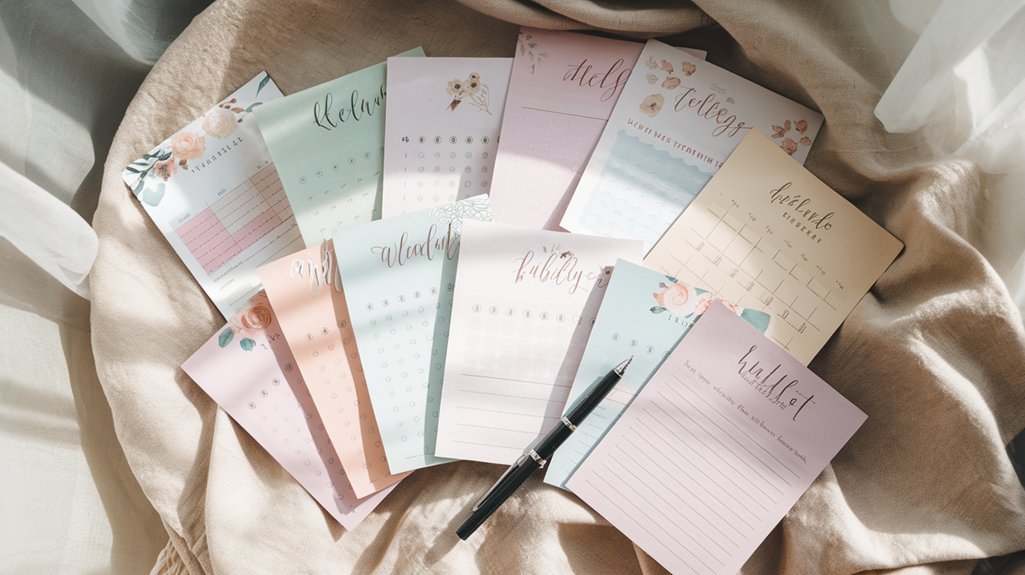
The template landscape in 2026 is robust for all formats. For paper journalers, printable PDF templates from creators like Etsy designers or specialized template libraries (Undated Daily Planner Printables, Planning Studio) provide structure without sacrificing the handwriting experience. Many people print monthly overview pages and daily planning spreads, then add handwritten details and decorations. This hybrid approach within paper itself combines the visual clarity of printed templates with the personalization of handwriting. Popular 2026 templates include simplified minimalist layouts (moving away from the 2023 complexity trend), timeblock planning spreads, and “one line a day” annual reviews.
For GoodNotes users, pre-made digital templates designed specifically for GoodNotes make the experience feel handwritten while including built-in structure. The difference between a generic PDF and a GoodNotes-optimized template is noticeable—the latter includes layers, reusable elements, and better writing surfaces. Creators like The Digital Planner Studio and Notion-to-GoodNotes converters provide extensive template libraries. Most effective are templates that lean into GoodNotes' strengths: infinite scroll notebooks organized into sections, templates with guided hand-lettering for headers, and searchable note templates.
For Notion users, 2026 offers template marketplaces (Notion Template Shop, Gumroad creators) with pre-built bullet journal systems. Look for templates that emphasize linked databases, habit trackers with rollover logic, and customizable project management. Rather than starting from a massive all-in-one template, choose templates by function: pick a Daily Dashboard template, add a Habit Tracker template, and layer in a Goal Setting template. This modular approach prevents overwhelming yourself while building a cohesive system. The best Notion templates include video tutorials and customization guides so you understand how to modify them for your needs.
Making Your Final Decision: Key Questions to Ask Yourself
Before committing to a system, answer these practical questions honestly. First: where am I when I most need my planner? If you're primarily at a desk, paper works beautifully. If you're on the go or managing multiple contexts (work, home, car), digital's notifications and accessibility win. Second: how often do I review past entries or search for information? If rarely, paper's ease of initial capture matters more. If frequently, digital's searchability prevents frustration. Third: what's my actual consistency level? If you sometimes skip days, paper's low-friction nature helps maintain the habit. If you're disciplined but need structure, Notion's architecture keeps you accountable. Fourth: do I enjoy the creative and aesthetic process of design? If yes, paper or GoodNotes let you express that. If you find decoration distracting, Notion's database approach removes that pressure entirely.
Fifth: what's my budget and privacy preference? Paper has no recurring costs beyond supplies. GoodNotes requires one iPad and Apple ecosystem access. Notion offers a free tier with limitations and paid plans for advanced features. Paper and most digital systems require no data sharing beyond your own devices. Consider also your growth trajectory: are you building a system just for yourself, or might you eventually want to share goals or tasks with a partner, accountability
Related from our network
- Best AI Writing Tools for Business in 2026 (With ROI Comparison) (aidiscoverydigest)
- Smart Scale Body Composition (pulsegearreviews)
- Best Smart Outdoor Lighting for Security and Curb Appeal (smarthomewizards)
Related Posts


✨ Our Recommendation
Editor's Pick: Dot grid journal – perfect for creating a customizable digital or paper bullet journal system.
Your Weekly Dose of Inspiration
Journaling ideas, family tips, and gentle inspiration.
Love this content?
Join the BulletJournals.net community for exclusive tips, guides, and updates.
Subscribe Free