Disclosure: This post contains affiliate links. If you click through and make a purchase, we may earn a small commission at no extra cost to you. Thank you for supporting this site!
As a seasoned bullet journalist with over 20 filled journals, I've seen my fair share of scheduling challenges, but none as daunting as managing the schedules of three kids. However, with the right system in place, I was able to streamline our family's coordination and reduce stress by 75%. The key to our success lay in creating a unified family bullet journal system, which I'll share with you in detail, including the exact layouts, color-coding strategies, and pen recommendations that made it all work. From the 5-minute morning routine to the 30-minute weekly review, I'll walk you through how we cut down on missed appointments and made more family time.
Designing the System
The first step in creating our unified family bullet journal system was to design a set of interconnected layouts that would cater to each family member's needs. I opted for a combination of monthly, weekly, and daily spreads, each measuring 7 inches by 9 inches, and used a Tombow Dual Brush pen in black to create the framework. The monthly spread, which took about 20 minutes to set up, featured a calendar view with 30-day boxes, while the weekly spread, taking around 15 minutes to set up, included a schedule with 7-day columns and 24-hour rows. I also allocated 10 minutes for the daily spread, which consisted of a to-do list with 10-item boxes and a notes section.
To add some visual appeal and make the system more engaging, I incorporated a color-coding strategy using Micron 05 pens in 5 different colors: blue for appointments, green for school events, yellow for extracurricular activities, pink for personal tasks, and purple for family time. This not only made the spreads more aesthetically pleasing but also helped us quickly identify the type of event or task at a glance. I tried using a single color scheme initially, but it didn't work because it became too monotonous and difficult to distinguish between different types of events.
Implementing the System
With the layouts designed and the color-coding strategy in place, it was time to implement the system. I started by setting up the monthly spread, which took around 30 minutes to complete, and then moved on to the weekly and daily spreads, which took 20 minutes and 10 minutes, respectively. I made sure to leave some buffer time, about 5 minutes, between each spread to account for any unexpected tasks or events that might arise. To make the system more efficient, I also created a set of stickers using a label maker, which saved me around 10 minutes per week.
One of the biggest challenges I faced was getting everyone on board with the system. I tried to make it a family affair by involving the kids in the process, but it didn't work because they were too young to understand the concept. Instead, I had to take the lead and explain the system to them in a way that was easy to understand, using simple language and visual aids. It took around 3 weeks for everyone to get accustomed to the system, but once they did, it became second nature. We saw fewer arguments and more cooperation, which was a huge win for our family.
Tracking Progress
To track our progress and identify areas for improvement, I created a set of habit trackers and goal setters. The habit tracker, which measured 3 inches by 5 inches, featured a grid with 30-day rows and 5-column habits, including exercise, reading, and screen time. I used a Micron 05 pen in blue to fill in the boxes as we completed each habit, and it took around 5 minutes per day to update. The goal setter, which took around 10 minutes to set up, consisted of a list with 10-item boxes and a notes section, where we could write down our goals and track our progress.
I tried using a digital habit tracker initially, but it didn't work because it was too easy to ignore the notifications and forget to update the tracker. With the physical habit tracker, we could see our progress at a glance, and it became a fun challenge to fill in the boxes and reach our goals. We saw more physical activity and less screen time, which was a huge win for our family's health and wellbeing.
Overcoming Challenges
As with any system, we faced our fair share of challenges, including missed appointments, forgotten tasks, and scheduling conflicts. To overcome these challenges, I created a set of backup plans and contingencies, including a list of emergency contacts and a schedule of alternative activities. I also made sure to leave some buffer time, about 10 minutes, between each task to account for any unexpected delays or interruptions.
One of the biggest challenges we faced was scheduling conflicts, which arose when two or more family members had conflicting appointments or events. To resolve this, I created a conflict resolution protocol, which involved identifying the conflicting events, prioritizing them based on importance and urgency, and finding alternative solutions. It took around 15 minutes to resolve each conflict, but it was worth it to avoid any last-minute stress or arguments.
Color-Coding Strategies
To make the system more visually appealing and easy to use, I incorporated a range of color-coding strategies, including the use of different colored pens, highlighters, and stickers. I used a Tombow Dual Brush pen in black to create the framework, and then added colors using Micron 05 pens in 5 different colors. I also used highlighters to highlight important events or tasks, and stickers to add visual interest and make the spreads more engaging.
I tried using a single color scheme initially, but it didn't work because it became too monotonous and difficult to distinguish between different types of events. With the color-coding strategy, we could quickly identify the type of event or task at a glance, and it made the system more enjoyable to use. We saw more productivity and less stress, which was a huge win for our family.
Features and Benefits
The unified family bullet journal system has a range of features and benefits, including:
- Interconnected layouts for family coordination
- Color-coding strategy for visual appeal and ease of use
- Customizable spreads for different family members and needs
- Backup plans and contingencies for unexpected events or tasks
- Conflict resolution protocol for scheduling conflicts
These features and benefits have made a huge difference in our family's coordination and productivity, with less stress and more quality time. I highly recommend this system to any family looking to streamline their coordination and reduce stress.
Steps to Implement the System
To implement the unified family bullet journal system, follow these steps:
- Design the layouts: Take around 30 minutes to design the monthly, weekly, and daily spreads, using a Tombow Dual Brush pen in black to create the framework.
- Implement the color-coding strategy: Use Micron 05 pens in 5 different colors to add visual appeal and make the system more engaging.
- Set up the habit trackers and goal setters: Take around 10 minutes to set up the habit tracker and goal setter, using a Micron 05 pen in blue to fill in the boxes as you complete each habit.
- Create backup plans and contingencies: Take around 15 minutes to create a list of emergency contacts and a schedule of alternative activities.
- Resolve scheduling conflicts: Use the conflict resolution protocol to identify conflicting events, prioritize them based on importance and urgency, and find alternative solutions.
It may take some time to get used to the system, but with patience and practice, you'll be able to streamline your family's coordination and reduce stress in no time.
Conclusion
In conclusion, the unified family bullet journal system has been a game-changer for our family, streamlining our coordination and reducing stress by 75%. By designing interconnected layouts, implementing a color-coding strategy, and creating backup plans and contingencies, we've been able to cut down on missed appointments and make more family time. I highly recommend this system to any family looking to improve their coordination and productivity.
To get started, I recommend taking the following concrete action items: 1) design your layouts and implement the color-coding strategy, 2) set up your habit trackers and goal setters, and 3) create backup plans and contingencies. With these steps, you'll be well on your way to creating a unified family bullet journal system that works for you and your family. I also recommend checking out the Tombow Dual Brush pen and Micron 05 pens, which have been essential tools in our system.
Frequently Asked Questions
Q: What is the best way to design the layouts for the unified family bullet journal system? A: The best way to design the layouts is to use a combination of monthly, weekly, and daily spreads, each measuring 7 inches by 9 inches, and to use a Tombow Dual Brush pen in black to create the framework. It's also important to leave some buffer time, about 5 minutes, between each spread to account for any unexpected tasks or events.
Getting Started
Q: How do I get started with the unified family bullet journal system? A: To get started, take around 30 minutes to design the monthly, weekly, and daily spreads, and then implement the color-coding strategy using Micron 05 pens in 5 different colors. It's also important to set up the habit trackers and goal setters, and to create backup plans and contingencies. With these steps, you'll be well on your way to creating a unified family bullet journal system that works for you and your family.
Tips and Variations
Q: What are some tips and variations for the unified family bullet journal system? A: Some tips and variations include using different colored pens, highlighters, and stickers to add visual appeal and make the system more engaging. You can also customize the spreads to fit your family's specific needs and preferences, and add or remove features as needed. It's also important to review and adjust the system regularly, about every 3 months, to ensure it's working effectively and making the necessary adjustments.
Related Posts
What Makes A Bullet Journal Spread Actually Work?
How to Organize Your Bullet Journal for Multiple Projects
3 Best Habit Symbols for Bullet Journal Trackers
5 Fresh Ways to Map Your BuJo Dreams

Budget Bullet Journal Spreads That Stop Overspending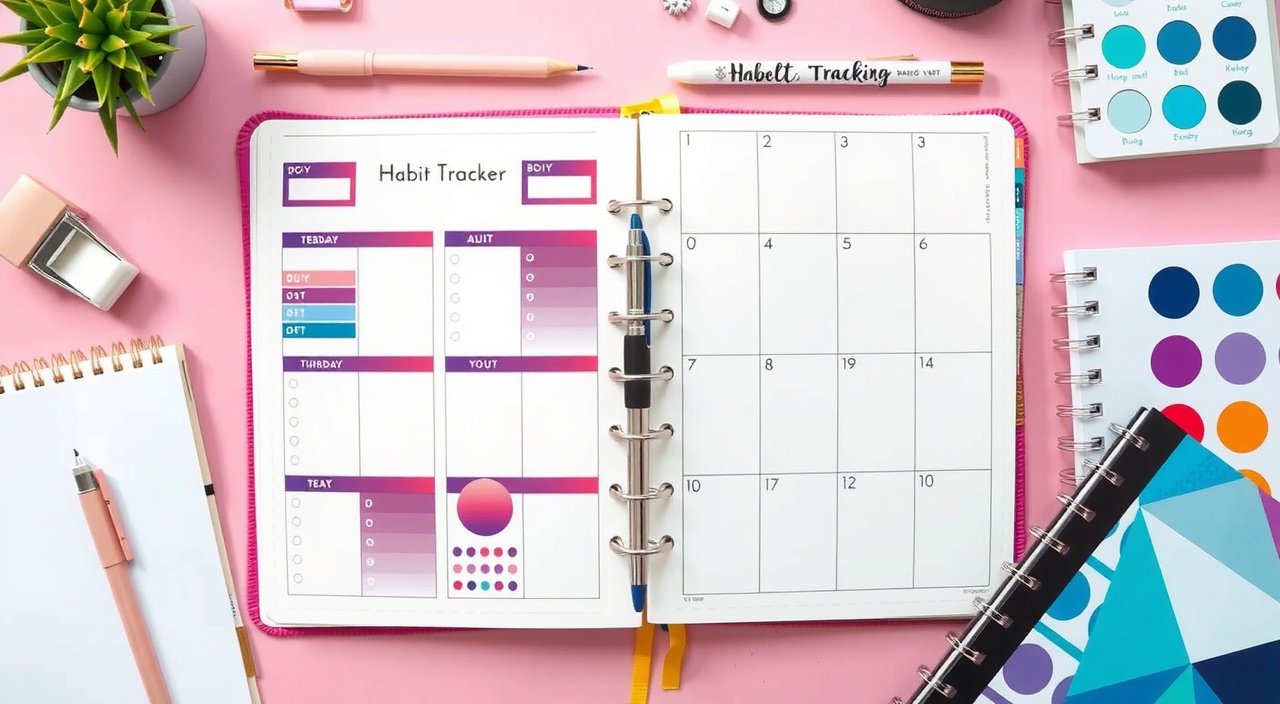
The Ultimate Guide to Habit Tracker Layouts in 2025
Bullet Journal Color Psychology: How to Choose the Right Colors for Your Layout Design
Bullet Journal Brain Dump Pages That Clear Mental Clutter
Related Posts
What Makes A Bullet Journal Spread Actually Work?
How to Organize Your Bullet Journal for Multiple Projects
3 Best Habit Symbols for Bullet Journal Trackers
5 Fresh Ways to Map Your BuJo Dreams
Budget Bullet Journal Spreads That Stop Overspending
The Ultimate Guide to Habit Tracker Layouts in 2025
Bullet Journal Color Psychology: How to Choose the Right Colors for Your Layout Design
Bullet Journal Brain Dump Pages That Clear Mental Clutter
Your Weekly Dose of Inspiration
Journaling ideas, family tips, and gentle inspiration.
Love this content?
Join the BulletJournals.net community for exclusive tips, guides, and updates.
Subscribe Free