- Table of Contents
- Introduction to Habit Tracker Templates
- What are Habit Tracker Templates?
- Key Takeaways
- Choosing the Right Habit Tracker Template
- Using Your Habit Tracker Template
- Customizing Your Habit Tracker Template
- Common Challenges and Solutions
- Conclusion
- Frequently Asked Questions
- Related Posts
- Related Posts
- Related Reading
- Related Posts
- Related Reading
- Related Posts
- Related Posts
Disclosure: This post contains affiliate links. If you click through and make a purchase, we may earn a small commission at no extra cost to you. Thank you for supporting this site!
Table of Contents
As we dive into the new year, many of us are looking for ways to boost our productivity, stay organized, and build positive habits. One powerful tool that can help us achieve these goals is the humble habit tracker template. With the right habit tracker templates, you can create a system that works for you, helping you stay on track and make progress towards your goals. Whether you're a student, a professional, or simply someone looking to improve your daily routine, a well-designed habit tracker can be a game-changer. In this guide, we'll explore the world of habit tracker templates, including what they are, how to use them, and some tips for getting the most out of your tracking system.
Introduction to Habit Tracker Templates
What are Habit Tracker Templates?
Habit tracker templates are pre-designed sheets or digital documents that help you track your daily habits, routines, and activities. They can be as simple as a grid with checkboxes or as complex as a multi-page spreadsheet with customizable fields. The key idea behind habit tracker templates is to provide a structured framework for monitoring your habits, making it easier to identify patterns, stay motivated, and make positive changes. With a habit tracker template, you can track anything from your daily water intake to your exercise routine, sleep schedule, or reading habits.
Key Takeaways
- Habit tracker templates help you track your daily habits and routines
- They can be customized to fit your needs and goals
- Using a habit tracker template can help you stay motivated and make positive changes
- Habit tracker templates can be used for a wide range of activities, from exercise to reading
Choosing the Right Habit Tracker Template
With so many different types of habit tracker templates available, it can be difficult to know where to start. Here are a few things to consider when choosing a template:
- What are your goals? Are you looking to track a specific habit, such as exercise or reading, or do you want to track a broader range of activities?
- What is your preferred format? Do you like the idea of a physical planner, or do you prefer digital tools?
- How much customization do you need? Do you want a template that is highly flexible, or are you happy with a more straightforward design?
Some popular types of habit tracker templates include:
- Daily habit trackers: These templates provide a simple grid or checklist for tracking your daily habits
- Weekly habit trackers: These templates provide a more detailed view of your habits over the course of a week
- Monthly habit trackers: These templates provide a high-level view of your habits over the course of a month
Using Your Habit Tracker Template
Once you've chosen a habit tracker template, it's time to start using it. Here are a few tips to help you get the most out of your template:
Some additional tips for using your habit tracker template include:
- Start small: Don't try to track too many habits at once – start with a few key habits and gradually add more over time
- Be specific: Instead of tracking a vague habit like “exercise”, try to be more specific – for example, “30 minutes of yoga” or “10 minutes of stretching”
- Use reminders: Set reminders or notifications to help you remember to track your habits
Customizing Your Habit Tracker Template
One of the benefits of using a habit tracker template is that it can be customized to fit your needs and goals. Here are a few ways you can customize your template:
- Add or remove columns: Depending on the type of template you're using, you may be able to add or remove columns to track different habits or activities
- Change the layout: You can experiment with different layouts to find one that works best for you
- Add notes or comments: Many habit tracker templates include space for notes or comments – use this space to reflect on your progress, note any challenges you're facing, or celebrate your successes
Some popular tools for customizing your habit tracker template include:
- Spreadsheets: Tools like Google Sheets or Microsoft Excel can be used to create custom habit tracker templates
- Planners: Physical planners or digital planning tools can be used to create a customized habit tracker template
- Habit tracking apps: There are many apps available that allow you to create customized habit tracker templates, such as Habitica or HabitBull
Common Challenges and Solutions
One of the biggest challenges people face when using a habit tracker template is staying consistent. Here are a few common challenges and some solutions:
- I keep forgetting to track my habits: Try setting reminders or notifications to help you remember to track your habits
- I'm getting bored with my template: Try switching to a new template or customizing your existing one to keep things interesting
- I'm feeling overwhelmed: Try simplifying your template or focusing on a few key habits at a time
Conclusion
Habit tracker templates can be a powerful tool for building positive habits, staying organized, and achieving your goals. By choosing the right template, using it consistently, and customizing it to fit your needs, you can create a system that works for you. Remember to be patient, celebrate your successes, and don't be too hard on yourself if you miss a day or two. With the right habit tracker template, you can take control of your habits and make positive changes in your life.
Frequently Asked Questions
Related Posts



Related Posts




Related Posts
The Ultimate Guide to Weekly Spread Minimalist in 2025
Simple Habit Grid Examples For Your Bullet Journal
Minimalist Bullet Journal: The Power of Simple Systems
Design Powerful Bullet Journal Spreads for Daily Success
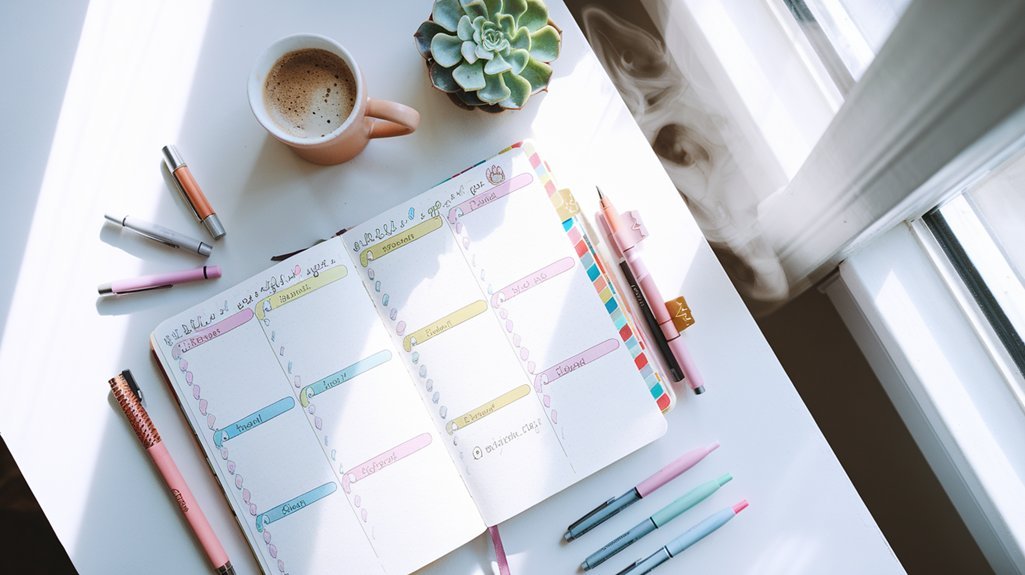
Why Bullet Journal Spreads Make Tasks Flow Better
3 Steps for Bullet Journal Habit Tracker Creation
Bullet Journal Supplies List
The Art of Drawing Readers In: Your attractive post title goes here
Related Posts



Related Posts
Your Weekly Dose of Inspiration
Journaling ideas, family tips, and gentle inspiration.
Love this content?
Join the BulletJournals.net community for exclusive tips, guides, and updates.
Subscribe Free