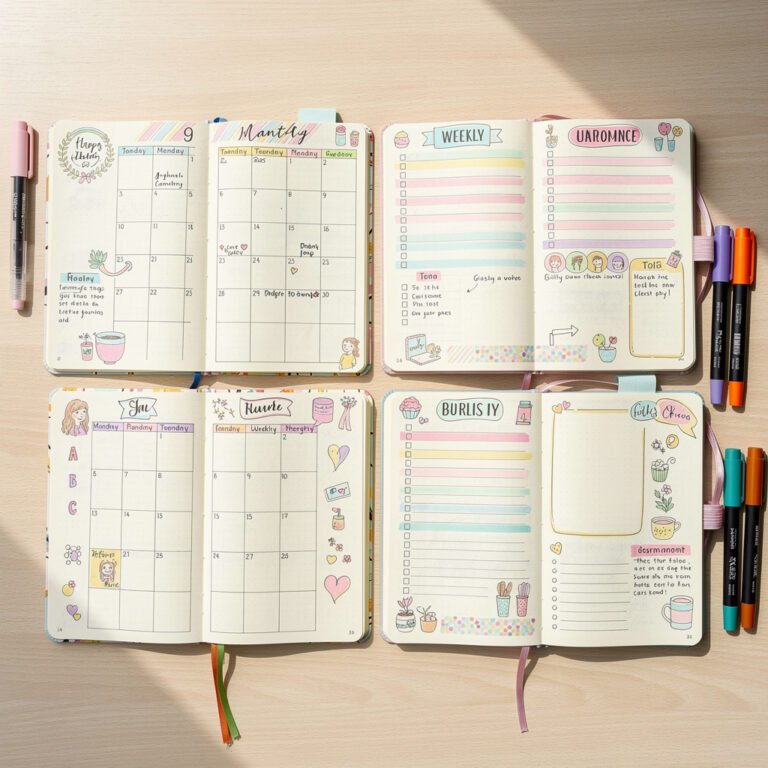
Weekly spreads are the heart of many bullet journals. They provide the perfect balance between the big-picture monthly view and the detailed daily log. In this guide, I'll show you 25+ weekly spread designs and help you find the one that fits your life.
What You'll Find Here
- Why weekly spreads work for many people
- 25+ layout designs from minimalist to elaborate
- How to choose the right layout for your needs
- Time estimates for each design type
- Seasonal and themed weekly spread ideas
Why Use Weekly Spreads?
Weekly spreads offer several advantages:
- Better time perspective – See your whole week at a glance
- Easier planning – Distribute tasks across available days
- Less setup time – One spread lasts a whole week vs. daily pages
- Built-in review – Natural opportunity to reflect each week
Minimalist Layouts (5-10 min setup)
1. Simple Vertical Columns
Divide a spread into 7 equal columns, one per day. Write the date at top, tasks below. Clean and functional.
2. Horizontal Rows
Stack days vertically with horizontal lines separating them. Each day gets a row across both pages.
3. Rolling Weekly
No preset boxes—just write the date as each day comes and add tasks below. Flexible and pressure-free.
4. Grid Layout
7-day grid with equal boxes. Each box is one day. Add tasks inside the appropriate box.
Functional Layouts (15-20 min setup)
5. Time Blocking Weekly
Each day column includes time slots (morning, afternoon, evening or specific hours). Schedule tasks into blocks.
6. Priority Matrix Weekly
Include a “priorities” section at top of the spread listing your 3 most important tasks for the week.
7. Dutch Door
Cut your pages in half horizontally. Top half shows all week dates; bottom half has task lists that flip independently.
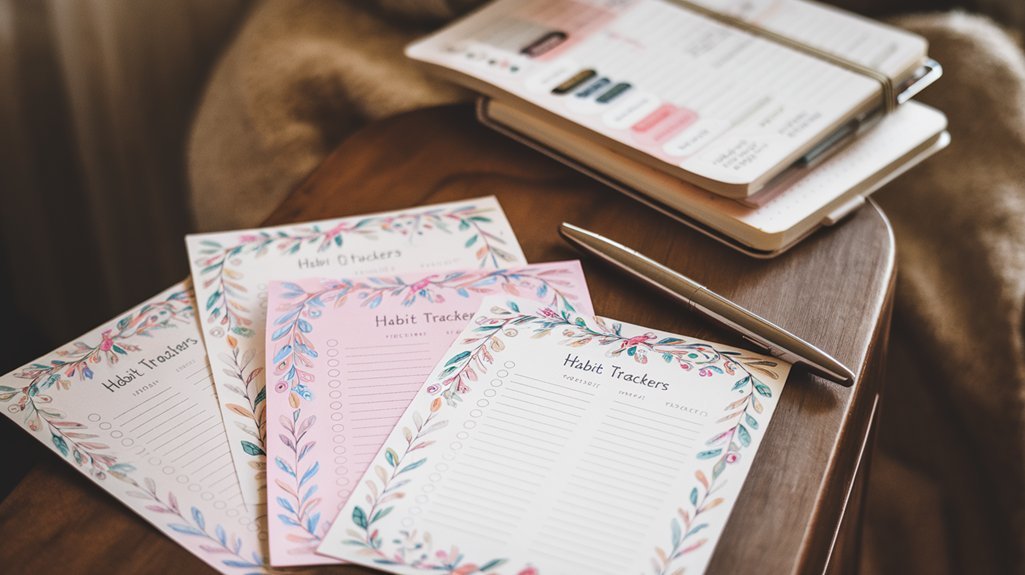
8. Habit Tracker Integration
Build a mini habit tracker into your weekly spread—track habits alongside daily tasks.
Creative Layouts (30+ min setup)
9. Themed Seasonal Spreads
Create spreads that match the season—spring flowers, fall leaves, winter snowflakes, summer sun.
10. Mood Board Weekly
Include a small area for weekly inspiration—quotes, doodles, photos, or stickers that set the week's tone.
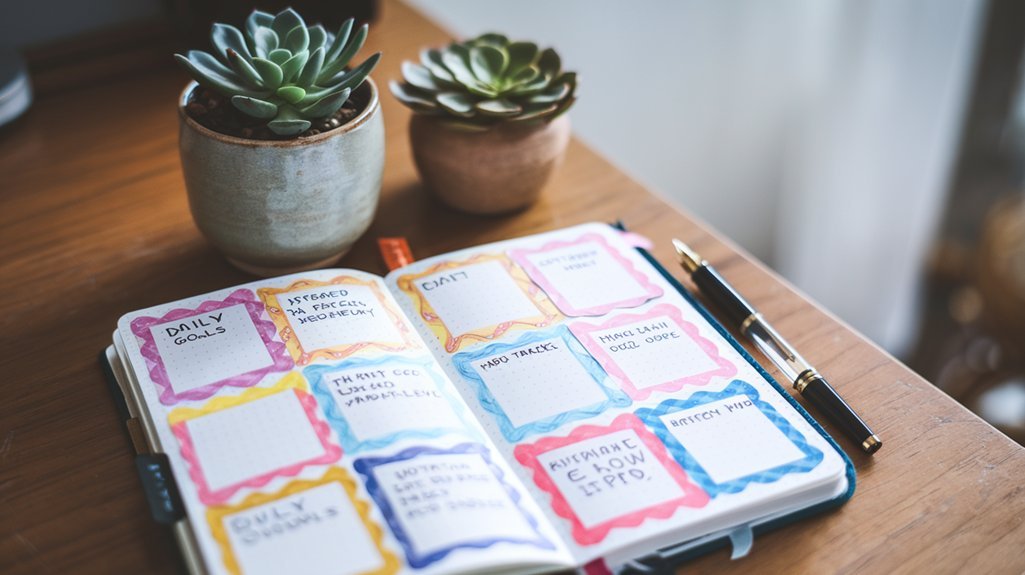
11. Color-Coded Categories
Assign colors to different areas of life (work = blue, personal = green, health = red). Color-code all entries.
How to Choose Your Layout
Consider these factors:
- Time available: Busy weeks need simple layouts
- Number of tasks: Heavy task loads need more space per day
- Appointments vs. tasks: Many appointments need time-based layouts
- Creative outlet: If you enjoy decorating, creative layouts are worth the time
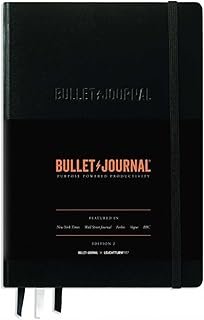
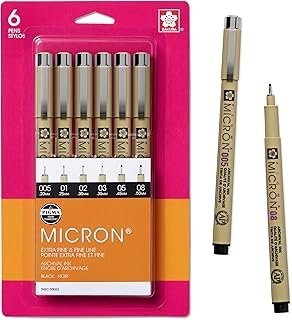
Weekly Spread Supplies
Affiliate links – we earn from qualifying purchases.
Frequently Asked Questions
Should I use weekly spreads or daily logs?
It depends on your needs. Weekly spreads work better for those with moderate task loads who want to see the whole week. Daily logs are better for heavy note-taking or unpredictable schedules. Many people use both!
What if I run out of space in my weekly spread?
Add overflow pages after your weekly spread, or use sticky notes for extra space. For next week, plan for more room per day. It's a learning process!
Related Resources
- Beginner's Guide – Essential setup tips
- Tracker Library – Add trackers to your weeklies
- Free Templates – Printable weekly layouts